VR Present: Designing a VR-based public speaking training experience.

@DELTA
Role
Junior UX/UI Designer
Industry
EdTech
Duration
2.5 Months

⚠️ The Problem
Many students struggle with public speaking and lack a safe, realistic way to practice. Existing options like workshops or peer reviews can be intimidating and inconsistent, limiting students’ ability to build confidence and improve without fear of judgement.
✨ Project Snapshot
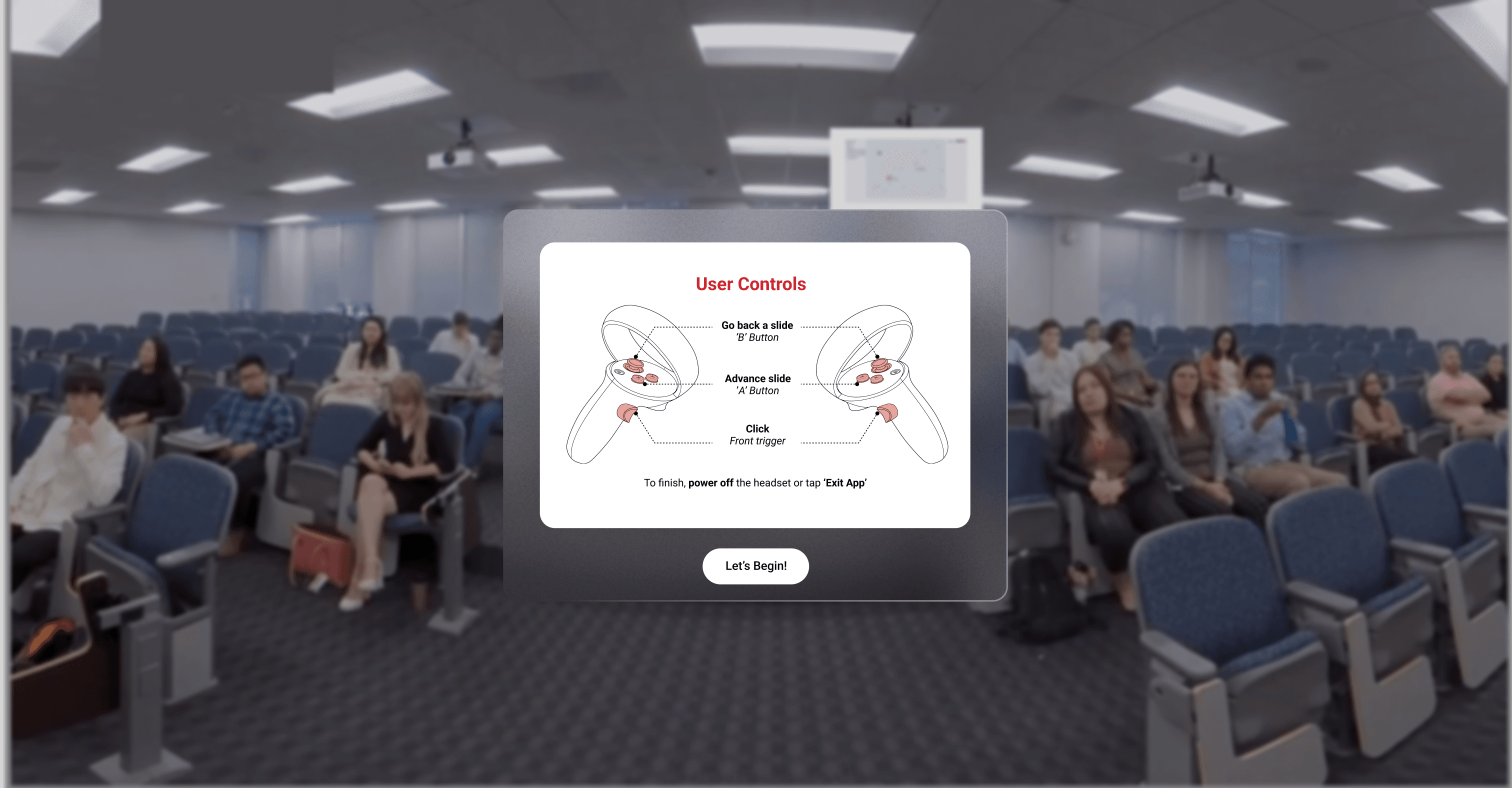
VR Present is a VR app developed at DELTA with Advanced Analytics department. It offers students a virtual space to practice public speaking in three settings: auditorium, boardroom, and classroom. Users can upload slides, choose audience reactions, and build confidence through repeated, realistic practice.
🗓️ Project Roadmap

🌟 Looking at Existing Solutions
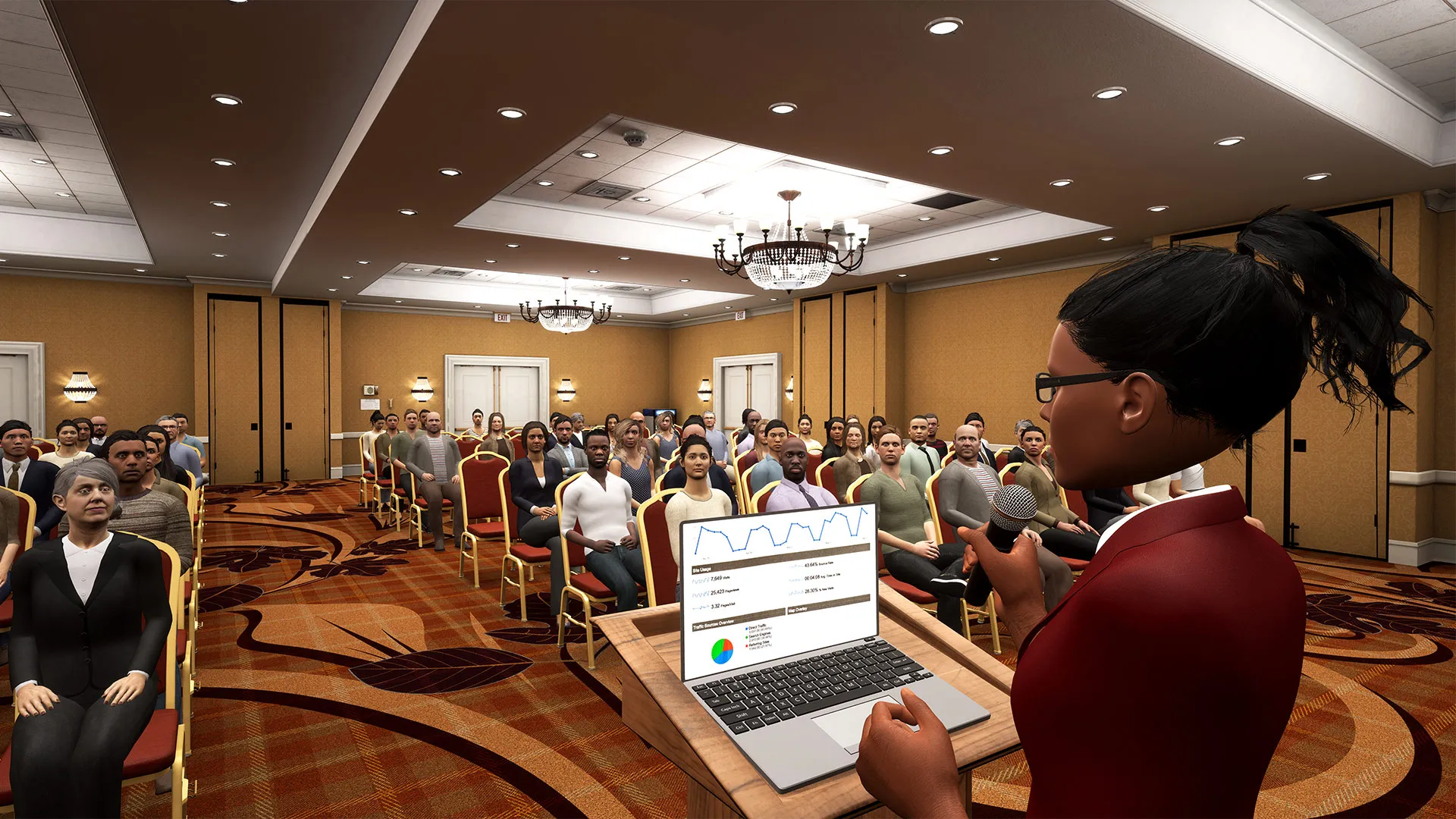
Ovation VR

Virtual Speech
🧭 The Big Picture Flow
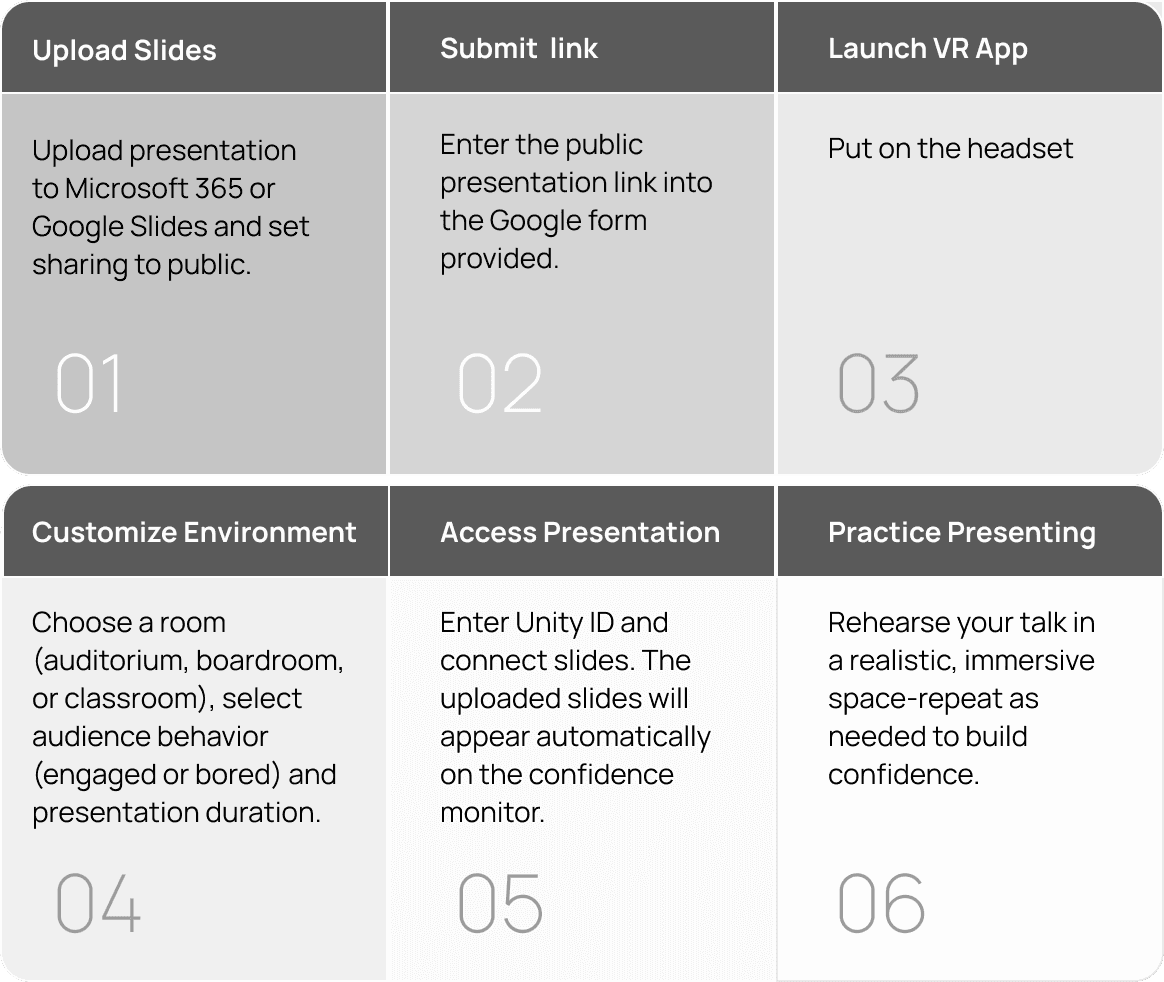
This high-level user flow provides an overview of how users navigate and interact with the VR app, highlighting key touchpoints. It helped establish the overall structure of the experience before detailed interaction design began.
🧭 User Flow

✍️ My notes

Customization
Once the student logs into the VR app, they can select the room in which they wish to practice presenting, set the presentation duration, and choose the audience engagement level, ranging from “bored” to “highly engaged.”


Connect Presentation slides
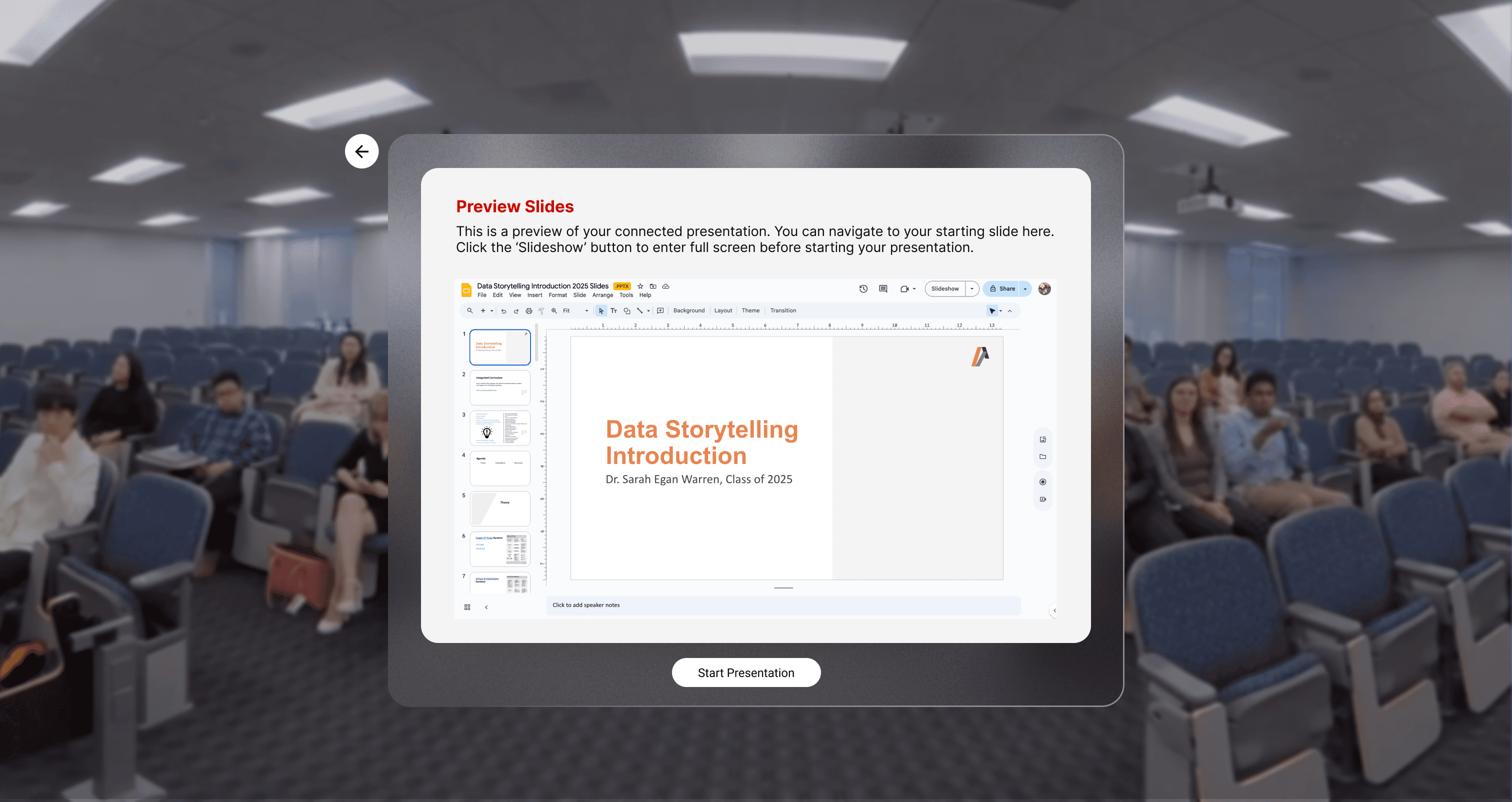
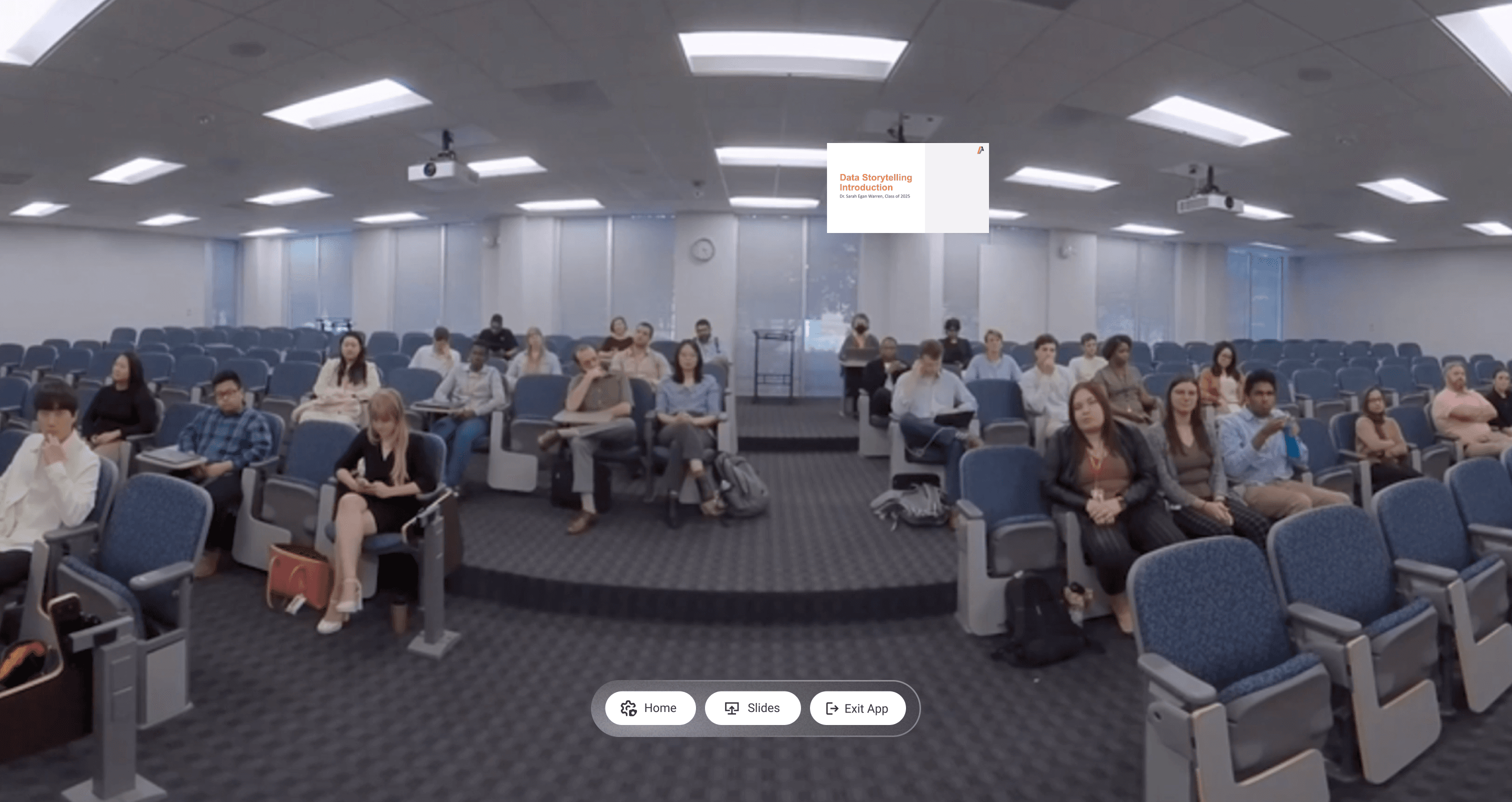
If the student has already uploaded their presentation to the drive before launching the VR app, they can connect the slides to the app. Once connected, the slides appear on the confidence monitor in the selected room while they practice presenting.